Bible Garden is a free app for reading and listening to the Bible on iPhone and iPad, with no ads and no purchases. What the project needs most is people who can help add a new language. This is a ministry, not paid work. Maria Novikova, who created and runs the project, oversees every language and helps at each step, but she can't do it all on her own. You don't need to be fluent to help: a little familiarity with the language is enough, and some tasks don't need the language at all. Checking the alignment means listening only to the verses the system flags as uncertain and comparing them with the text, and finding recordings or researching their rights works in any language.
Below: what the work involves and how much of it there is, what you can do with only a few minutes, and how to reach us.
Why the app has only three languages so far
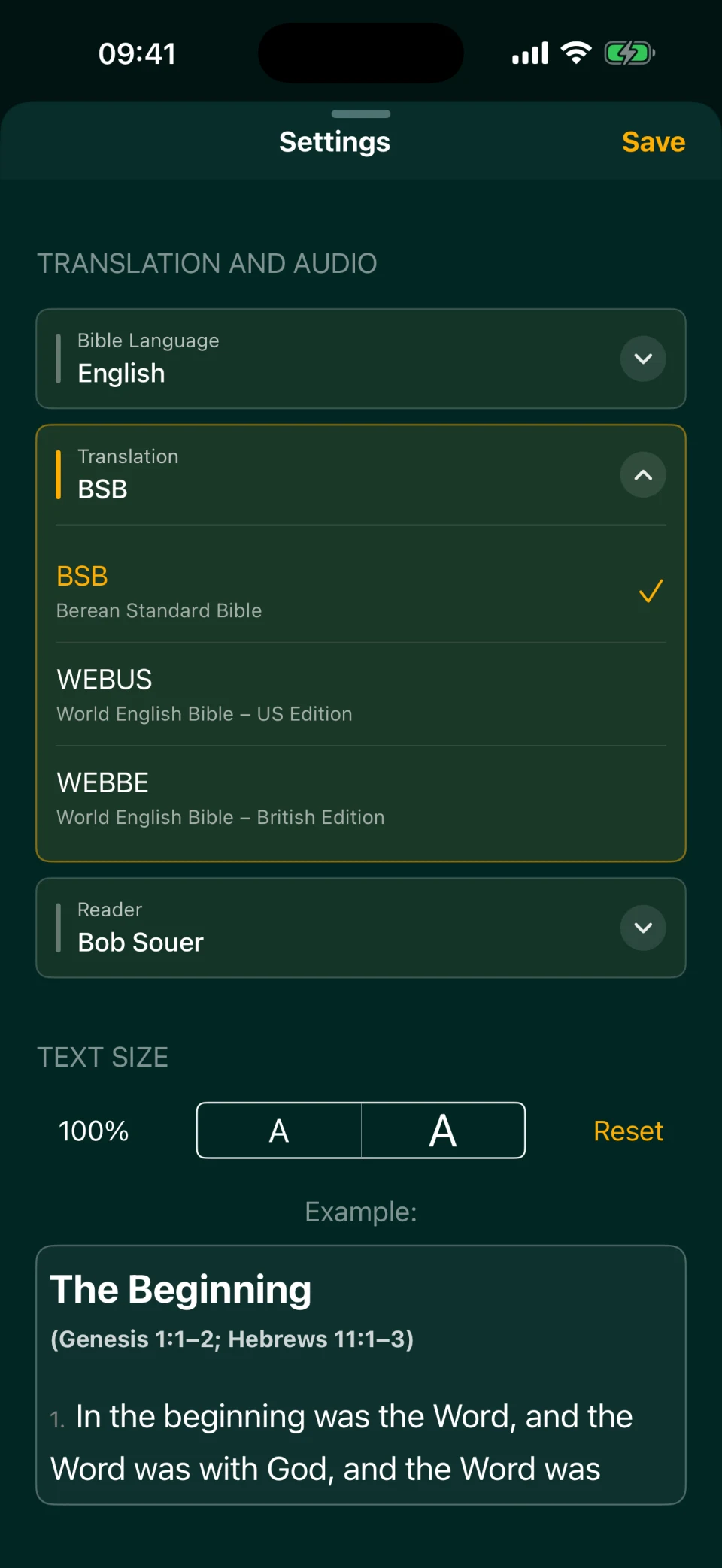
Bible Garden currently offers English, Russian, and Ukrainian: two or three translations per language, each with one or more narrators. The full Bible has been translated into 776 languages (Wycliffe Global Alliance, 2025), and we don't translate the Bible ourselves. Our job is to take an existing translation and an existing audio recording and connect them, so the app knows the exact second each verse begins.
We choose every translation and every recording by hand: for the quality of the text, for how it sounds, and for the rights. That's why there are only a few languages so far. Spanish and Portuguese, for example, aren't in the app yet; adding either would mean finding a suitable translation and recording and checking the rights. Here's how our English translations differ, and here you can hear our narrators.
A new language isn't only for the people who speak it. In Multi Reading, each verse plays in several translations one after another, so a new translation can immediately be paired with another: your native language and English, for example. Here's how bilingual listening works. Bible Garden and our second app, Lampada, a space for personal prayer that selects Scripture passages by meaning, also get their Bible texts from the same server. So a language added for Bible Garden will reach Lampada too; it's coming soon to the App Store.
Adding a language takes three steps, or four if there's no recording: then AI can provide the narration. You can take on any part; you don't have to do them all.
Step 1. Find a good translation and recording
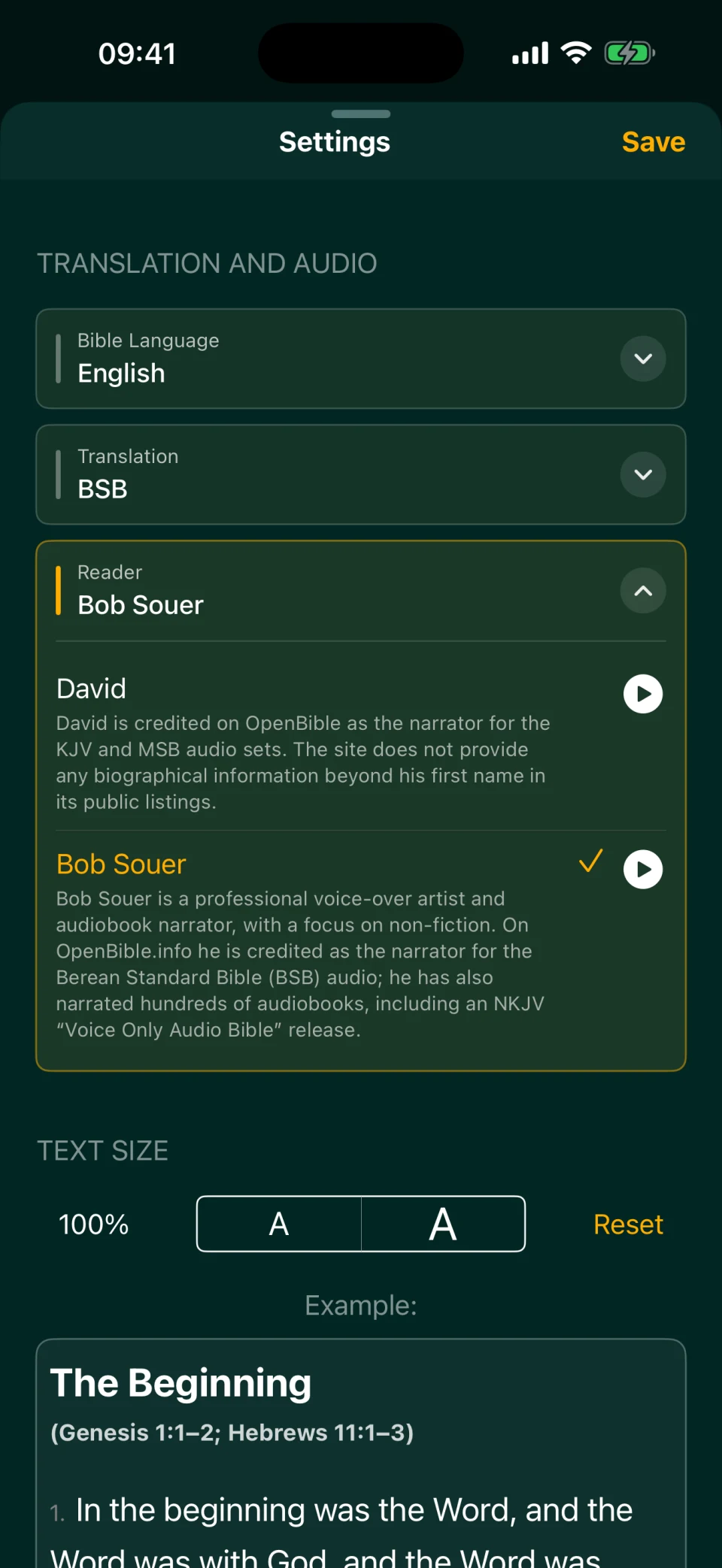
We need a translation that people who speak the language actually read and trust, and an audio recording of that same translation. A good candidate has:
- the full text, either the whole Bible or at least the New Testament, divided into chapters and verses, ideally with headings and paragraphs;
- a recording of the same translation with clear diction, no gaps, and no background noise;
- a source where the complete text and audio can be obtained.
A good place to start is the eBible.org catalog: it lists hundreds of translations in many languages and marks which ones may be freely redistributed. Audio is often available on Open.Bible and on Bible society websites. If you know the language, or know people who speak it, ask which translation their churches read and whether they like the narrator. If you find several options, send them all, and we'll choose together after listening to samples.
Step 2. Check the rights for the text and the recording separately
A free text doesn't mean a free recording. An audio recording has its own rights, separate from the rights to the text being read. The U.S. Copyright Office puts it plainly: the copyright in a sound recording covers the recording itself, not the words embodied in it (Circular 56). An old translation may have long been in the public domain while a reading of it recorded twenty years ago belongs to a studio or the narrator. Some publishers also allow any audio use of their text only with written permission: the American Bible Society's terms work this way (ABS).
So the rights are checked twice: for the text and for each recording. If a license is published, read what exactly it allows and under what conditions, such as crediting the author or not changing the text. If there's no license, or it doesn't allow what the app needs, the next step is to find the rights holder and write to them: who we are, that the app is free and ad-free, and which translation and recording we'd like to use. It's best to write in the rights holder's language, and AI can help you draft the letter.
Step 3. Check how the audio lines up with the text
This is the most labor-intensive part, but you don't have to listen to the whole Bible. An alignment program (Montreal Forced Aligner) matches the text of each chapter to the recording and marks where every word and every verse begins and ends. It usually gets it right, but not always: the narrator skips a word, reads a heading, pauses mid-verse, or there's music under the voice. Then a verse boundary drifts.
Our scripts look for words that, according to the alignment, are spoken suspiciously fast or slow; that's how the system flags verses it's unsure about. A person only needs to check those, and the admin dashboard has a convenient screen for it: open the spot, listen, and either confirm it's correct or move the boundary. Many of them turn out to be fine. How many there are depends on the recording quality and on how well the program knows the language: a clean recording in a widely spoken language may have almost none, while harder cases add up to a few hundred, out of about 31,000 verses in the Bible. The work splits easily by book. Maria gives you access to the dashboard and explains how it works.
Another subtlety is versification, the way the text is divided into chapters and verses, which differs between traditions. Malachi has four chapters in English Bibles and in the Russian Synodal translation, but three in the Ukrainian Khomenko translation. English translations number the Psalms in the Hebrew tradition, while Russian translations follow the Greek, so Psalm 23 in the BSB is Psalm 22 in the Synodal. When checking, you need to know about such differences so each verse matches its own audio. Multi Reading can't map different numbering yet: in an English–Russian pair, different psalms play in the Psalms. That's why it helps to understand a new translation's numbering up front.
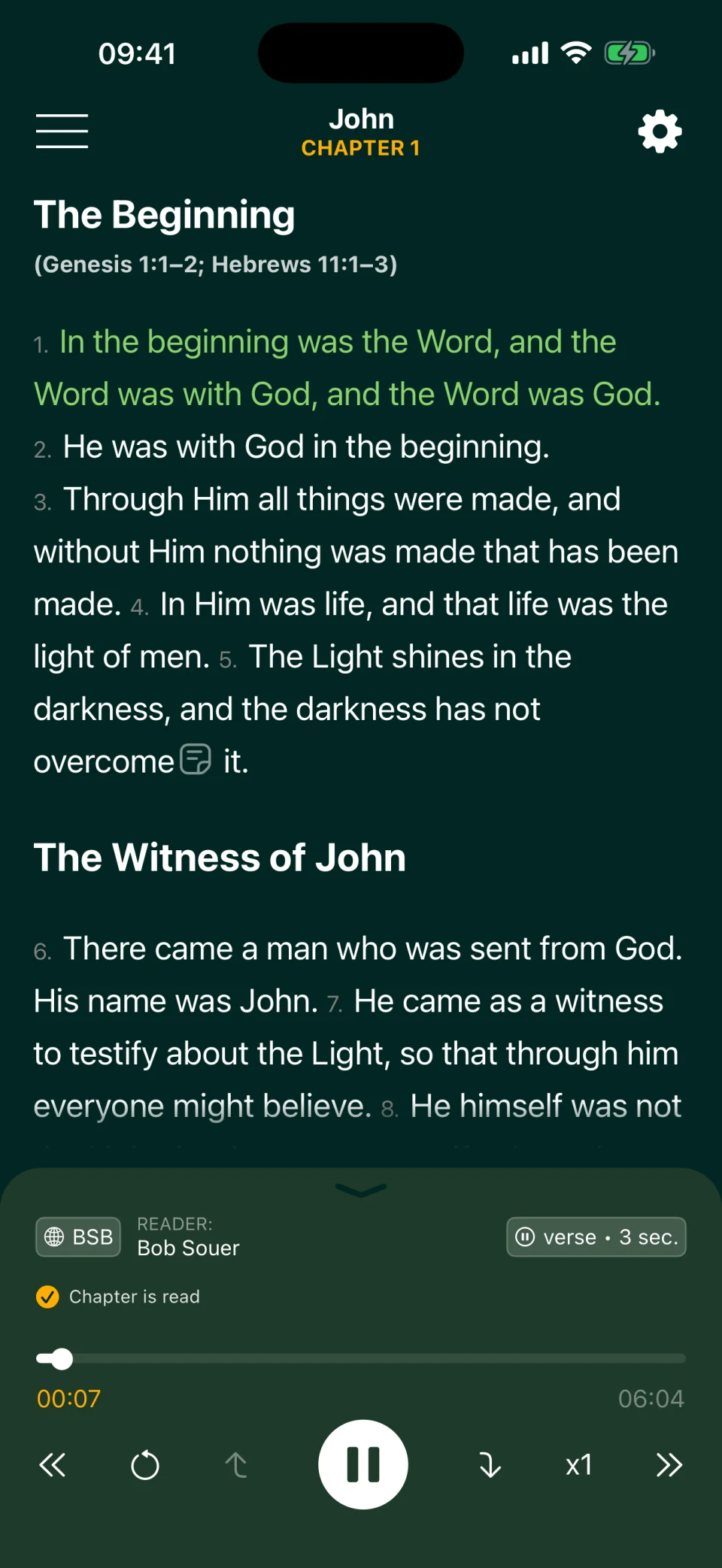
Everything Bible Garden is built for rests on this alignment. Thanks to the verse markers, the "previous / next verse" buttons jump to the exact start of a verse, you can add a pause after each verse, paragraph, or section, and in Multi Reading each verse plays in several translations in a row and is highlighted on screen. Without careful alignment, none of this would work.
If there's no recording: AI narration
Sometimes there's a good translation but no recording, or the recording can't be used. Then the text can be read by a synthetic voice. Technically that's simple, but expensive: the Bible runs to millions of characters (about 3.8 million in the BSB), and speech synthesis services charge by the amount of text.
Rights are needed here too: AI narration is also an audio version of the text, and if the publisher allows audio only with written permission, that permission has to be requested. And if you know the language, there's one more way to help: listen to sample chapters and note where the voice gets stress or names wrong.
If you only have a few minutes
Not everyone can take on a whole language. Here's what you can do in a few minutes:
- Report a mistake. A typo in the text, a verse highlighted out of sync with the audio, a "next verse" button that jumps to the wrong place: tell us what you noticed, with the translation, narrator, book, chapter, and verse. That helps us find and fix the spot faster.
- Rate the app on the App Store. Ratings appear on the app's page and in search results, and App Store search takes them into account along with downloads (Apple). Bible Garden has almost no ratings yet, so every one stands out.
- Tell others about the app: friends, your church, your small group, anyone who listens to the Bible or is learning a language.
If you're a developer, you can help with code too: the code of the app, the server, the admin dashboard, and this website is open on GitHub under the GPL-3.0 license. Before a large change, open an issue and describe the idea, so the work isn't wasted. And if you're building your own app or research project, you can ask the team for an API key and the prepared data: texts and verse-level audio timing. What data we can share depends on the rights: some translations and recordings can be passed on only within the terms of their licenses.
How to get in touch
There's no volunteer form yet. Message Maria on Telegram or open an issue on GitHub Issues. To get straight to the point, answer four questions:
- Language: ________
- How you'd like to help: finding a translation and recording / rights and correspondence / checking the alignment / listening to AI narration / other
- Time per week: ________
- How to reach you: ________
If you can't help yourself but are waiting for your language, write to us anyway: it shows us which languages are needed most. The project is run by one person, so a reply may take a while.
Frequently asked questions
Do I need to know how to code?
No. Finding translations, corresponding about rights, and checking the alignment take attention to detail and a pair of headphones. Code is a separate, optional way to help.
Do I need to know the language being added?
Not necessarily. A little familiarity with the language is enough, and some of the work can be done without it: checking the alignment means listening only to the verses the system is unsure about and comparing them with the text, and translations, recordings, and their terms of use are found in catalogs and on publishers' websites. Someone who knows the language well is especially helpful for choosing a translation and judging the narrator's reading.
Do you pay volunteers?
No. Bible Garden is a free app with no ads or purchases, and helping with it is a ministry, not paid work.
How much time will it take?
As much as you can give. The work can be split into parts: looking for options, handling correspondence, checking the alignment one book at a time. We don't promise when a language will appear: a lot depends on the rights and on whether the rights holder replies.
I know a good recording in my language. Is that enough?
It already helps: send us links to the text and the recording. After that, the rights and the alignment need checking. If you can help with that too, the language will arrive sooner.
Which languages will come first?
There's no set list. A language will appear where there's a good translation, a recording or a way to create one, the rights, and people willing to help. So tell us which language you need, even if you can't help yourself.
Is Bible Garden available on Android or in a browser?
Not yet: the app runs only on iPhone and iPad. A web version and Android are in our plans.